Users who run macOS at home or in the office often face the problem of connecting to servers via the secure SSH protocol.
There are quite a lot of applications in the App Store, but most of them are paid, complicated or inconvenient. Of course, you would want software that is as simple as possible and free, ideally similar to PuTTY from Windows OS. It turns out such an application exists, and it is called vSSH.
The main window of the vSSH application
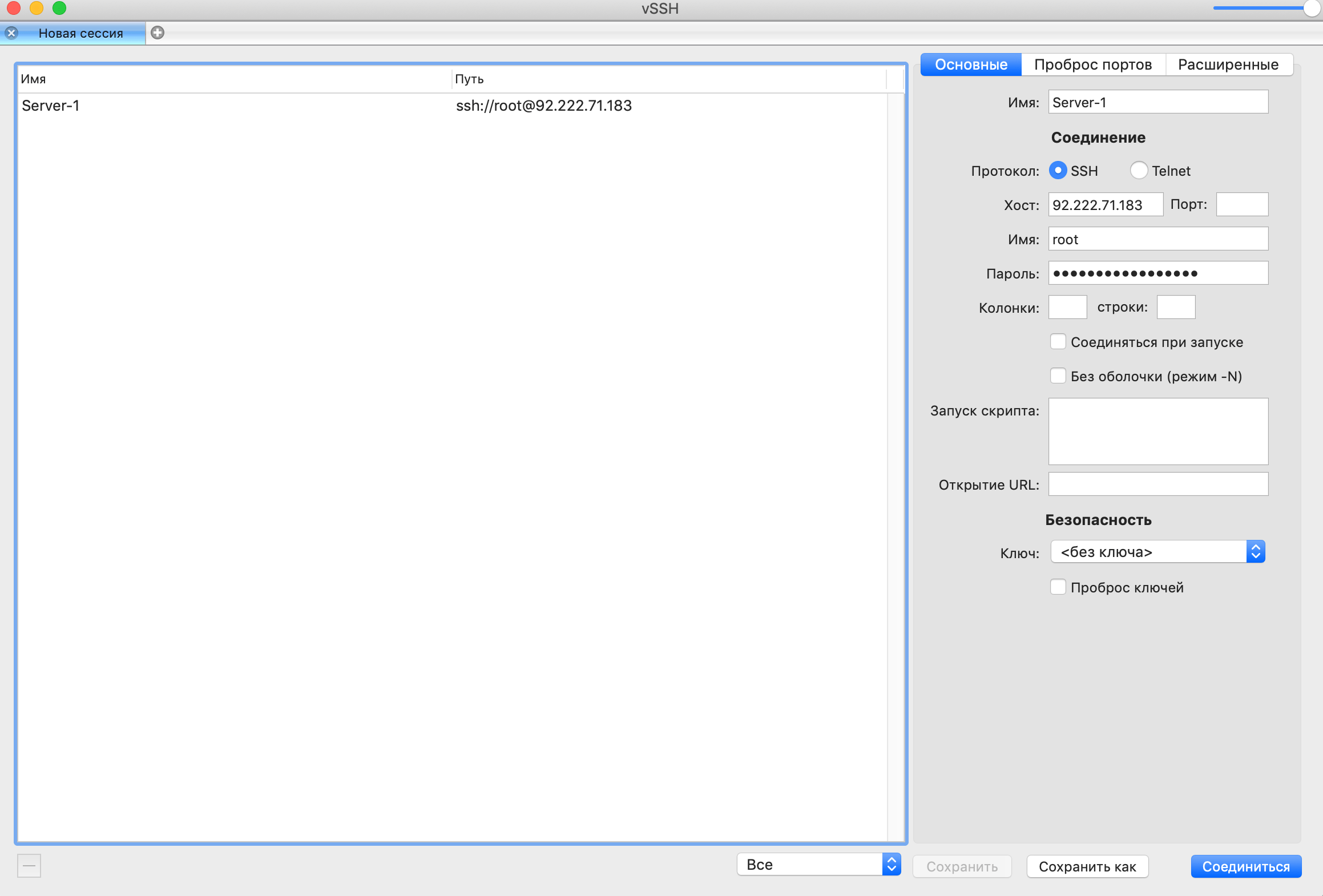
As you can see, everything is very convenient, clear and minimalist. Here you can save your connection, choose a connection key, quickly connect without saving passwords, change the port from the standard 22 to another one, and also choose between the SSH and Telnet protocols.